Dashboard
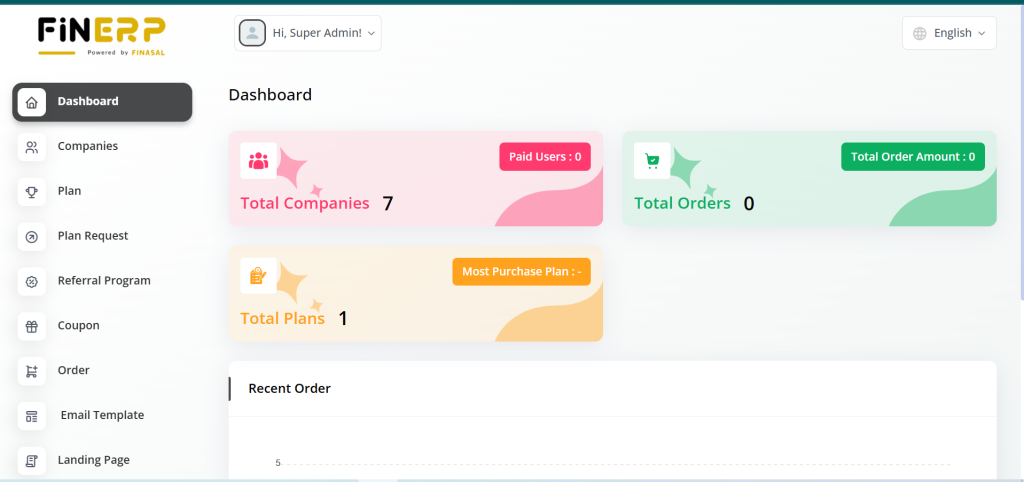
The Fin ERP Dashboard provides a comprehensive overview of system statistics, helping Super Admins track performance at a glance. It displays total users, paid users, total orders, order amounts, and plan details. Additionally, a graphical report showcases recent order trends by year for better data analysis.
Key Points:
View total users, paid users, and total orders
Monitor total order amount and available plans
Identify the most purchased plans for insights
Analyze yearly order trends through graphical reports
Users Page
The Fin ERP Super Admin Dashboard allows administrators to manage user accounts efficiently. From creating new users to updating existing profiles, all key actions can be performed in one place. It also provides options to reset passwords and upgrade user plans as needed.
Key Points:
Create new user accounts within the platform
Reset or update passwords securely
Edit and manage user profile details
Upgrade plans for selected users

Plans Page
Within the Fin ERP Dashboard, Super Admins can create and edit different subscription plans available for end users. These plans define the features, pricing, and duration accessible to customers. The system ensures that all updated plans are instantly visible for purchase.
Key Points:
Create new subscription plans for end users
Edit or update existing plan details easily
Define pricing, features, and validity for each plan
Make plans instantly available for purchase on Fin ERP

Plan Request Page
The Fin ERP Dashboard enables Super Admins to manage plan requests submitted by end users. Administrators can review each request and take appropriate action based on eligibility or payment status. This ensures smooth handling of user subscriptions and system control.
Key Points:
View plan requests from end users
Approve or decline requests as needed
Verify user eligibility and payment before approval
Maintain organized control over active subscriptions

Coupons Page
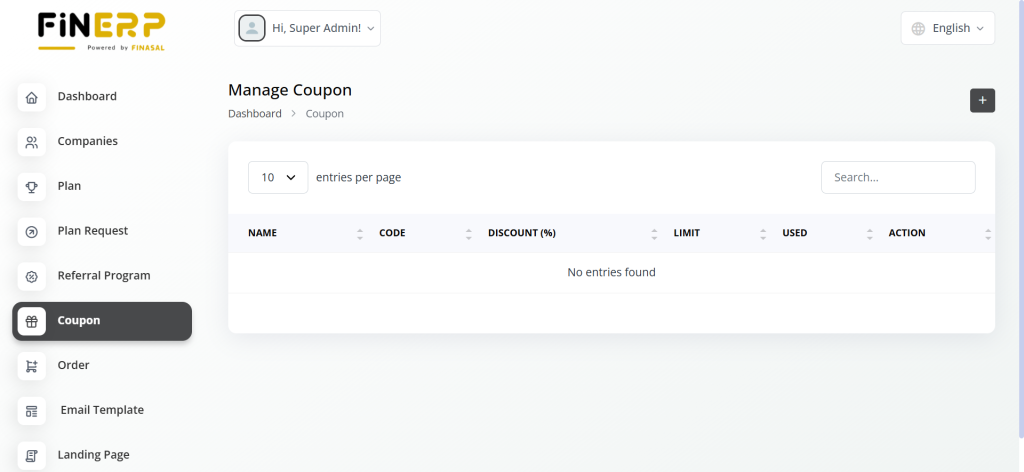
In the Fin ERP Dashboard, Super Admins can manage discount coupons to enhance user engagement and plan sales. They can create, edit, or delete coupons based on different subscription plans. This feature helps in offering flexible pricing and promotional discounts to end users.
Key Points:
Create new discount coupons for various plans
Edit or update existing coupon details easily
Delete expired or unused coupons from the system
Offer promotional discounts to attract more users
Orders Page
The Fin ERP Dashboard allows Super Admins to view a complete list of all user orders along with their current status. Each order is clearly marked as successful or unsuccessful, providing better visibility into transaction outcomes. This helps in monitoring sales performance and resolving order-related issues efficiently.
Key Points:
View a detailed list of all user orders
Check order status as successful or unsuccessful
Track payment and transaction history easily
Identify and address failed or pending orders promptly

Email Templates Page
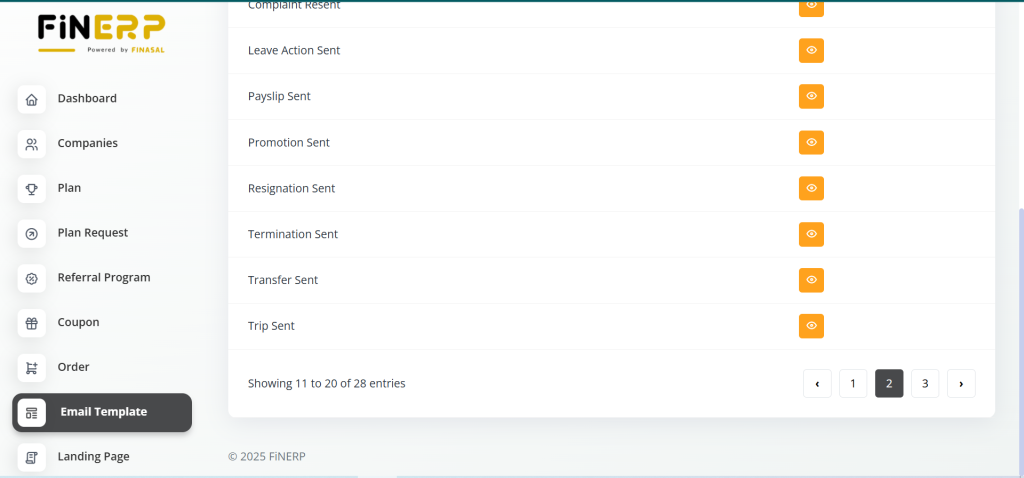
The Fin ERP Dashboard enables Super Admins to create and manage customizable email templates for different business scenarios. These templates help automate communication across various modules, ensuring consistent and professional messaging. Each template can be personalized to match the company’s tone and branding style.
Create email templates for various scenarios, including:
- New User
- New Client
- New Support Ticket
- Lead Assigned
- Deal Assigned
- New Award
- Customer Invoice Sent
- New Invoice Payment
- New Payment Reminder
- New Bill Payment
- Bill Resent
- Proposal Sent
- Complaint Resent
- Leave Action Sent
- Payslip Sent
- Promotion Send
- Resignation Sent
- Termination Sent
- Transfer Sent
- Trip Sent
- Vendor Bill Sent
- Warning Sent
- New Contract

Landing Page
The Fin ERP Dashboard allows Super Admins to design and manage multiple landing pages that enhance the platform’s presentation and user experience. These pages can be customized to showcase key features, pricing, and customer feedback. Each landing page helps create a professional and engaging interface for end users.
Create various landing pages, including:
- Top Bar Page
- Custom Page
- Home Page
- Features
- Discover
- Screenshots
- Pricing Plans
- FAQs
- Testimonials
- Join Us Page

Settings Page
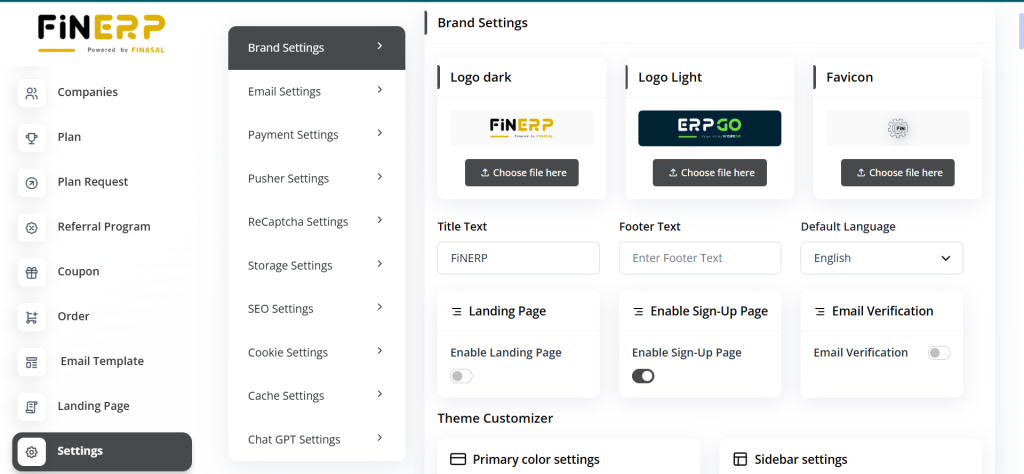
The Fin ERP Dashboard offers Super Admins complete control over system-wide configurations. They can access and adjust settings related to branding, communication, payments, security, and performance. These tools ensure the platform operates smoothly while maintaining consistency and efficiency across all modules.
Key Points:
Access and configure brand settings.
- Manage email settings.
- Set up payment settings.
- Configure pusher settings.
- Define reCaptcha settings.
- Adjust storage settings.
- Tweak SEO settings.
- Manage cookie settings.
- Configure cache settings.
- Adjust chat GPT settings.
Super Admins in FiN ERP Product have a comprehensive suite of tools to manage users, plans, orders, communication templates, landing pages, and system settings efficiently.